
Automated end-to-end testing for Dynamics 365 and Power Platform

Code was the bottleneck. Now verification is.

Copilot and AI assistants write plugins, flows, and fixes faster than ever, and every one of them is a regression risk in a process that runs your business. TestShield closes the gap: codeless end-to-end tests that run on every release, inside your tenant.

  • Runs entirely inside Dataverse
  • No external test runner
  • Built for BAs, testers, and developers
  • Triggers from Azure DevOps

What the research says about AI-assisted code

8×

more duplicated code in AI-assisted codebases, as refactoring fell to historic lows.

GitClear, 2024 codebase analysis

89.3%

of issues introduced by AI coding assistants are maintainability smells, across 6,299 repositories.

2026 empirical study

Invisible

AI-generated debt accumulates without anyone deciding to take it on.

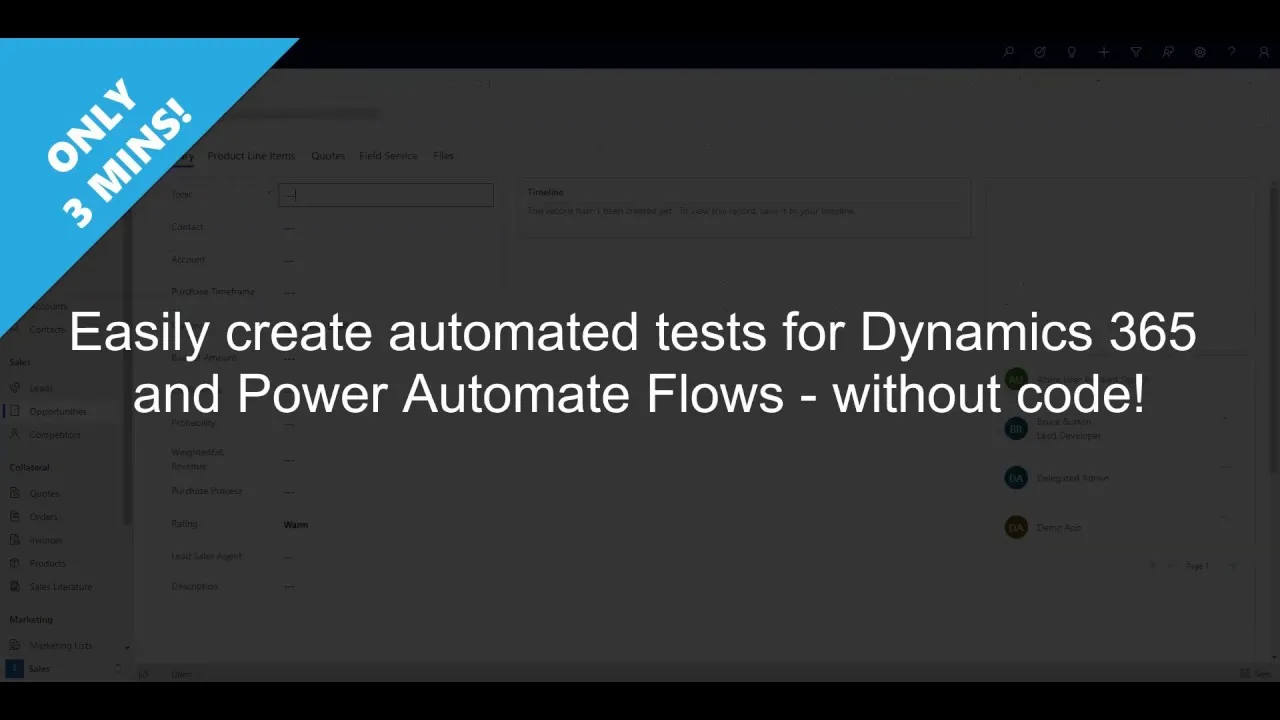
TestShield is a collaborative, codeless testing solution for Dataverse and Dynamics 365, built on the same North52 rules engine that runs decision logic for 300+ organizations. Analysts, testers, and developers design end-to-end tests in one place, and schedule them to run as often as releases ship.
The whole process, not the pieces

A unit test proves a piece of code does what it should in isolation. Your business does not run on pieces in isolation. It runs on whole processes: a form change fires a plugin, the plugin triggers a flow, the flow waits on an approval, and the record that matters is updated hours later. TestShield tests that chain end to end, including the asynchronous parts that finish long after the screen says “saved.”

That was worth automating when releases shipped quarterly. It is essential now they ship weekly, or whenever an AI assistant finishes a fix. A full manual regression pass cannot keep that pace. A scheduled TestShield suite runs nightly without asking anyone’s time, surfaces breaks at build time instead of month-end, and grows coverage without growing headcount. The Gherkin scenarios your team writes double as living documentation of how your processes actually behave.

Assemble. Arrange. Act. Assert.®

Every TestShield test follows the four A’s of automated software testing.

  1. 1

    Assemble

    Describe the feature or process under test in Gherkin: plain-language scenarios anyone on the team can read.

  2. 2

    Arrange

    Pick a record, select the related records that matter, and TestShield slices a coherent set of test data from your own environment. No hand-built fixtures.

  3. 3

    Act

    Easily define any manual steps of the process you wish to trigger as part of your test.

  4. 4

    Assert

    Define the expected results, including outcomes that arrive asynchronously. An assert can wait for a background flow to finish before it checks.

What that looks like in the app

One test, carried through its steps: eligibility for a Platinum credit card, graded on income, assets and credit score.

  1. AssembleThe scenario in Gherkin, readable by anyone on the team.

    A TestShield test in Power Apps titled Contact Eligibility, Platinum Card Eligibility. The Assemble sheet holds a Gherkin scenario: a feature line, a scenario describing a twelve-row decision table grading annual income into four bands and total assets into three, then Given a contact with income, assets and a credit score whose card type is Not Eligible, When the contact is created and the eligibility formula runs, Then the card type should be set to Platinum when the score exceeds the threshold for that band and remain Not Eligible when it only equals or falls below it.
  2. ArrangeOne contact per decision-table row, built as test data.

    The Arrange sheet of the same test: eighteen Action-Create rows, each building a contact with a last name, an annual income from 50,000 to 250,000, total assets from 100,000 to 2,000,000, a credit score from 600 to 751, and a credit card type of Not Eligible.
  3. ActThe step the test triggers itself, here a Power Automate flow.

    The Act sheet of the same test: a single Perform Action row named ExecuteFlow, calling ExecuteMSFlowRequest with a URL pulled from xCache and a JSON body built inline. The function browser beside it lists the platform operations available, with ExecuteMSFlowRequest selected.
  4. AssertExpected against actual, per row. This run has three failures named for investigation: exactly what the test is there to catch.

    The Assert sheet of the same test, checking the credit card type on each arranged contact, beside a test run result tree reading 33 passed and 3 failed. One failing row is expanded to show the assert type, the expected value and the actual value it got instead.

Why testing fell behind, and what changed

End-to-end was always the hard part

A Dataverse or Dynamics 365 process spans entities, plugins, business rules, flows, and external services, and some runs take hours or days to complete. For most teams, manual testing was the only way to cover that, so it got covered rarely.

Then releases got faster

Sprint cadences compressed the testing window; continuous deployment removed it. The backlog of tests that should have been automated grew with every release that shipped without them.

Then AI inverted the old excuse

Automation used to stall because it needed developers with Visual Studio time nobody had. Now an assistant writes test code in minutes. But when the same assistant writes the change and the test that approves it, you have automated agreement, not verification. The independent check is an assertion layer that sits outside the change, defined by the people who own the process. That is what TestShield is.

Key features

Runs entirely inside Dataverse

TestShield installs as a Dataverse solution. Tests, data slices, and results are records in your environment, and execution happens in the sandbox. No Selenium grid, no test VMs, no external runner, and test data never leaves your tenant.

One designer for BAs, testers, and developers

Point-and-click authoring, Gherkin descriptions, no Visual Studio. The people who own the process can read, run, and maintain its tests.

Test data in one click

Search for a record, tick the related records that matter, and TestShield slices a coherent dataset from your own environment, ready to arrange into any test.

Fast to author, fast to change

Data setup, execution patterns, and asserts are configured in the same editor, so a new test takes minutes, and when the process changes, updating its test is an edit, not a rebuild.

500+ built-in functions

Create and manipulate test data, execute internal and external processes, and express assert logic with the same function family that powers the North52 rules engine.

One test, every layer

A single test can walk a process across Dataverse and Dynamics 365, legacy systems, custom applications, and cloud services, and assert at each step. If your process sends an SMS through a third-party gateway, the test can check the gateway got it.

Where TestShield is not the tool

It doesn't drive the browser, so pixel-level UI automation isn't its job: pair it with a UI tool if you need that. It isn't a load-testing rig. And it doesn't replace unit tests for your own custom code; keep writing those. TestShield covers the layer underneath: the business process itself, where most Dynamics regressions live.

Wired into your release pipeline

Run suites on a schedule, on demand, or from the pipeline itself: trigger TestShield from an Azure DevOps release and gate the deployment on the result, so a failing assert stops the release instead of reaching production.

Frequently asked questions

Does test data leave our tenant?
No. TestShield is a solution installed in your Dataverse environment. Tests, data slices, and results are Dataverse records, and execution happens in the Dataverse sandbox. Nothing is sent to North52 or to any external service.
Can it test Power Automate flows and asynchronous plugins?
Yes. Asserts can wait on long-running background processes, so a test can trigger a flow and verify what it did, even when that takes minutes or hours to happen.
Do we need Selenium, a test grid, or separate test machines?
No. There is no external runner to provision, patch, or maintain. TestShield tests the process layer rather than driving the browser: see the note above on where it is not the tool.
How is this different from Microsoft's Power Apps Test Engine?
They test different layers. Test Engine drives your app in a browser from the Power Platform CLI: UI-level tests written in YAML and Power Fx, with model-driven support in preview. TestShield runs inside Dataverse and tests the server side of the process: plugins, flows, asynchronous outcomes, and data. Many teams will use both.
Who writes the tests?
Business analysts, testers, and developers. The designer is point-and-click and scenarios are described in Gherkin, so the people who own a process can own its tests. No Visual Studio required.

AI made change cheap. TestShield makes it safe.

With our team

Personalized demo

30 minutes on your processes, not our slides.

Request a demo

Download and go

Start a 30-day trial

Full product, your own environment.

Download trial