

The rules engine, up close
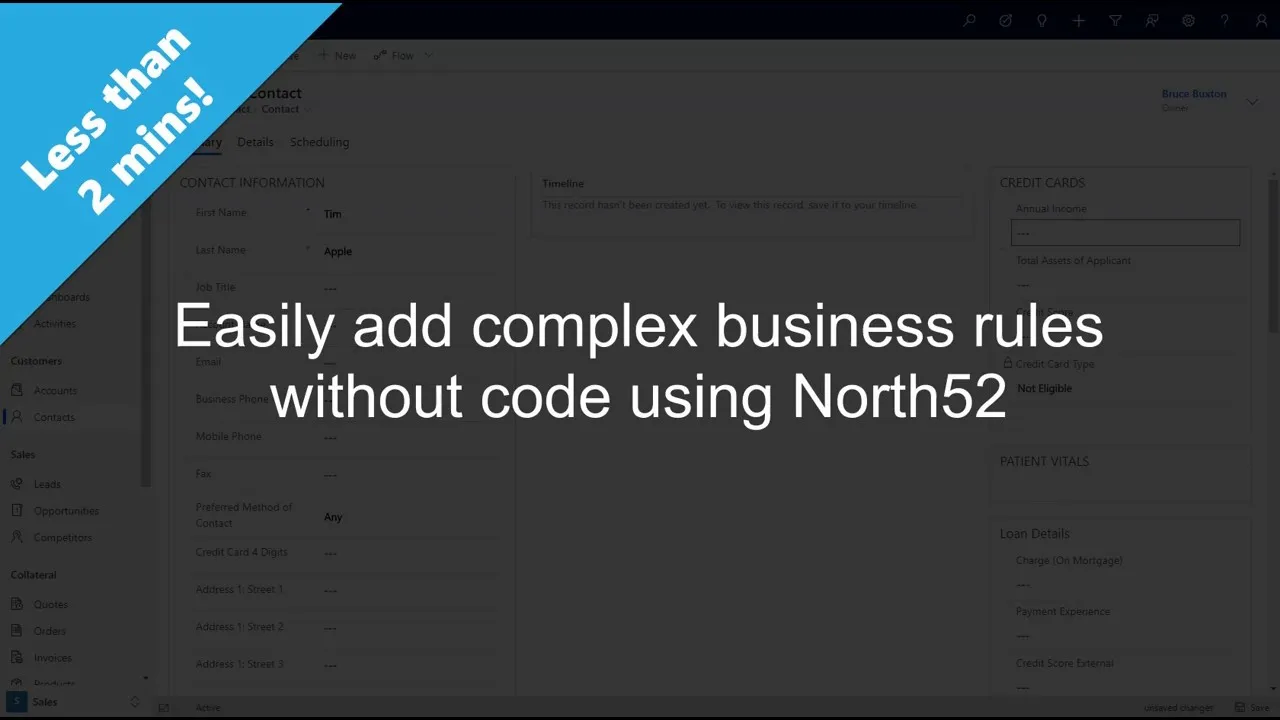
Watch a rule built and deployed in minutes
- Decision tables your team can read
- A formula language with 500+ functions
Decision tables
Rules as rows, not code. The grid is the documentation.
Each row pairs conditions with actions, and the table your analysts maintain is the artifact that executes. It isn’t a spec for a developer to implement. It is the rule.
- Readable by your analysts, your auditors, and your AI agents
- Versioned like any solution component, with a who-changed-what trail
- When the rule changes on Thursday, an analyst edits a row: no sprint, no deployment queue
Deploys like any Microsoft solution
Rules are solution components. They move dev → test → prod through the pipelines you already run.
Trigger in real time on the event pipeline, on a schedule, on demand from a button, or via API. Export, import, and version rules with the rest of your customizations.
- Real-time
- Scheduled
- On demand
- Via API
- dev → test → prod
Watch a rule change committed, diffed and deployed through Azure DevOps
Version control and audit trail
Every change committed to source control, linked to the work item that asked for it.
Spreadsheets, emails and exported zip files leave gaps in the record. With North52 and Azure DevOps, a request starts as a work item, a consultant updates the rule, and a pipeline run exports the solution, unpacks it, and commits the files against that work item. The diff shows exactly what changed.
- See every version of your business logic
- Roll back to a previous version
- User and timestamp on every change
Frequently asked questions
The questions architects ask before they pick a rules engine.
- When would we use North52 instead of Power Automate?
- Use both. Power Automate is the right tool for linear automation: a record changes, a flow moves it along, an approval goes out. North52 is for the decision inside that process, where the logic is a matrix of conditions rather than a sequence of steps. Pricing, eligibility, validation and routing with hundreds of rules are decision table work, and a flow that tries to hold them becomes hard to read and harder to change.
- Can North52 and Power Automate work together?
- Yes. A flow can call a rule when it needs a decision, and a rule can start a flow when it has made one. The rules engine works across Dynamics 365 first-party apps, Dataverse, Power Apps, Power Pages and Power Automate, so the decision lives in one place whichever tool reaches it.
- Why not just write a plugin?
- You can, and for some things you should. Writing the code was never the expensive part. Owning it through every rate change, staff change and platform update is. A decision table is read and changed by the analyst who owns the process, with the change logged. The honest comparison →
- Does it run in real time or asynchronously?
- Either, chosen per rule. A rule can run synchronously on the Dataverse event pipeline, so a validation or a calculation completes before the save returns, or asynchronously, on a schedule, on demand from a button, or through the API.
- Can rules run on forms, without JavaScript?
- Yes. Rules can run client side on model-driven app forms and Power Pages forms: show or hide fields, validate input, set values and calculate as the user types, with no JavaScript to write or maintain.
- How complex can the rules get?
- As complex as the process. One public example is the NFIP Risk Rating 2.0 flood insurance methodology modelled as rules: more than 35 property attributes, over 50 rating tables and more than 1,500 calculations. Rating tables that change over time are managed as data, not rebuilt as logic. See the flood insurance example →
- How do we test the rules?
- With TestShield, North52's automated testing product. A test arranges the data, runs the process and asserts the result, as Dataverse records, so a change to one rule is checked against every process it touches before it ships. How TestShield works →
- Does anything leave our tenant?
- No. The engine is a managed solution that runs in the Dataverse sandbox. There is no external service in the loop and no server to host, and rules move dev to test to prod as solution components through the pipelines you already run.
- Can external systems call a rule?
- Yes. Rules are exposed through the API, so an external application, an integration or an AI agent can ask for a decision and get the same deterministic answer, with the same trace, as a user in Dynamics 365. How agents call North52 →