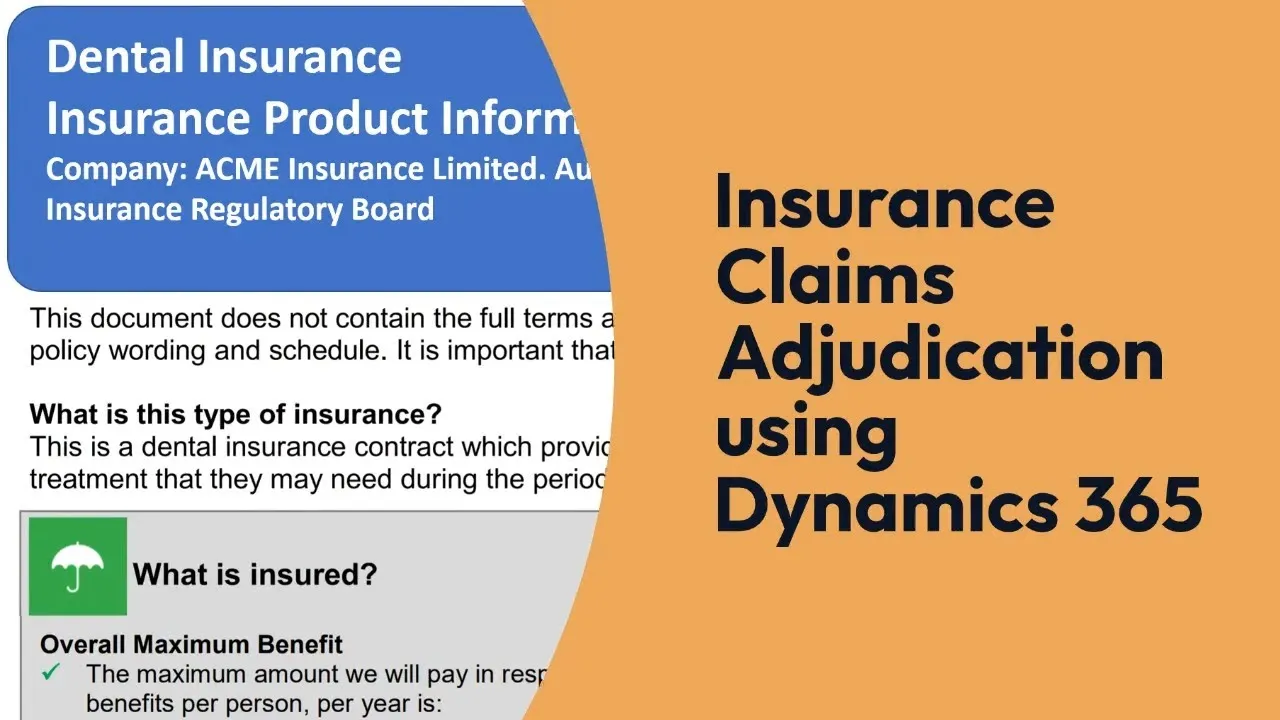
Insurance

Insurance companies trust North52 to automate critical decisions

If you are running Microsoft Dynamics 365 or the Power Platform, you can simplify the complexity of your business rules too.

The processes we help with

Insurance companies rely on thousands of complex rules to run their businesses. Analysts manage and update those rules in an interface built for them, and adapt to changing products and regulation without writing code.

  • Underwriting
  • Risk assessment
  • Product eligibility
  • Rating and pricing
  • Quoting
  • Claims adjudication
  • Policy renewal
  • Commission calculation
  • Data validation

What that looks like

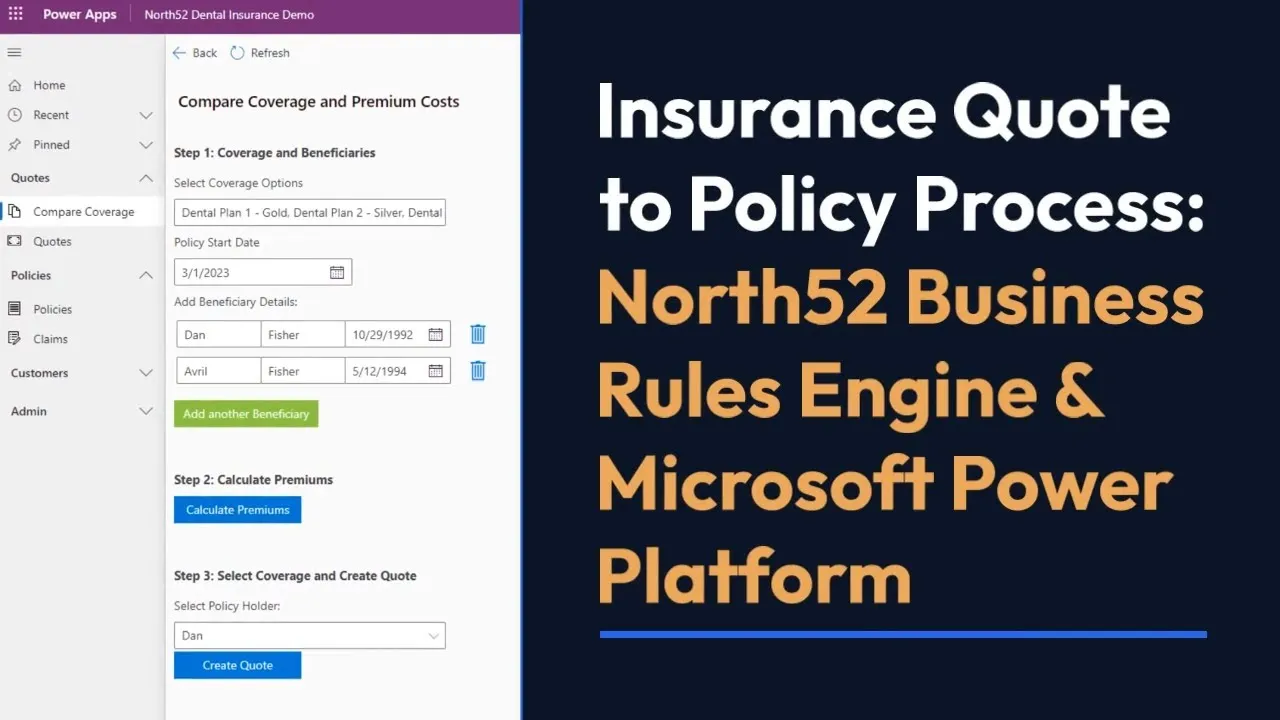
Quote to policy, end to end

Rules calculate the premium, Power Automate moves the case along, Power Pages takes the customer input, and the policy document is generated from the same data the decision used. No hand-off between a rules tool and a document tool.
Dental premium rates held as a rate table, one sheet per plan

The North52 xCache table editor in Power Apps showing dental premium rates: age-min, age-max and treatment as conditions, then base rate, premium adjustment factor and discount percent, with a sheet each for the Gold, Silver and Bronze plans.

Dental premium rates held as a rate table, one sheet per plan

A flood rating engine

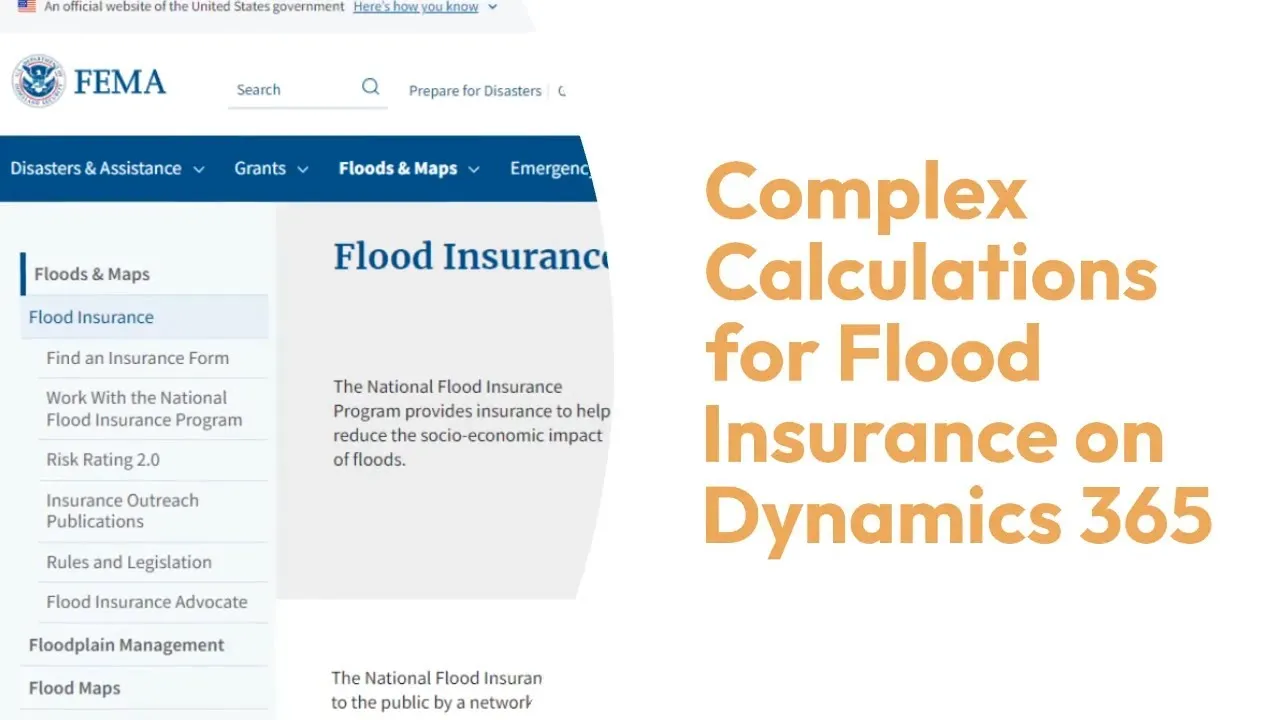
The National Flood Insurance Program rating methodology has been modelled in North52: more than 35 property attributes, over 50 rating tables and more than 1,500 calculations, maintained as tables rather than code.

FEMA base rates held as a rate table rather than code

A North52 rate table of FEMA base rates in Dynamics 365: region and segment as conditions, then a rate column each for inland flood, storm surge barrier and non-barrier island, tsunami and Great Lakes exposures, split across leveed and non-leveed sheets.

FEMA base rates held as a rate table rather than code

Claims adjudication

Dental claims adjudicated automatically against coverage rules, with the conditions and actions visible as rows an assessor can read and an auditor can check.

The previous-claims check, one of several sheets in the adjudication rule

The previous-claims check of a North52 claims adjudication rule: seven numbered rules covering per-tooth and non-per-tooth treatment with and without an interval period, each setting whether the claim is covered, the amount claimable, and the message the claimant and the assessor each see.

The previous-claims check, one of several sheets in the adjudication rule

Broker commission

Commission calculated from configurable rules rather than a spreadsheet, including values pulled from external systems at the moment the calculation runs.

Commission rates by relationship level, product and plan fulfilment

A North52 commission calculation rule in Dynamics 365: broker relationship level, product subcategory and plan fulfilment percentage as conditions, each row setting the commission percentage, with further sheets updating the commission record and writing an audit trace.

Commission rates by relationship level, product and plan fulfilment

See it on your own rules.

With our team

Personalized demo

30 minutes on your rules, not our slides.

Request a demo

Download and go

Free trial

Full product, your own environment.

Download trial